Commercial files
Invoices, packing lists, product and quantity data
Validate plots, collect supplier evidence, resolve DDS gaps, and download complete manual DDS submission materials plus a reproducible EUDR Filing Pack.
No credit card · Technical preparation, not legal advice
120 units · 8,640 kg · Poland → Germany
 -4.6539, -74.0817
The free trial sends one validated area plot to FAO Open Foris WHISP and returns the country, area, dataset version, timestamp, source indicators, and an evidence hash. Your team still makes the business decision.
Filovara starts with the records your business already has, then keeps every extracted fact, supplier response, technical check, and unresolved question inside one traceable case.
Invoices, packing lists, product and quantity data
Spreadsheets, declarations, permits and correspondence
GeoJSON, KML, WKT, CSV and source identifiers
Missing links, conflicts, owners and due actions
Keep source evidence, confirmed facts, technical checks, and open questions visible in one reviewable workflow.
Import product lists, invoices, supplier files, and plot data.
Correct the source, confirm a fact, or optionally request one specific missing item from a supplier.
Prepare the complete data and geolocation files for manual DDS submission, then keep the official receipt together with the fuller Filing Pack.
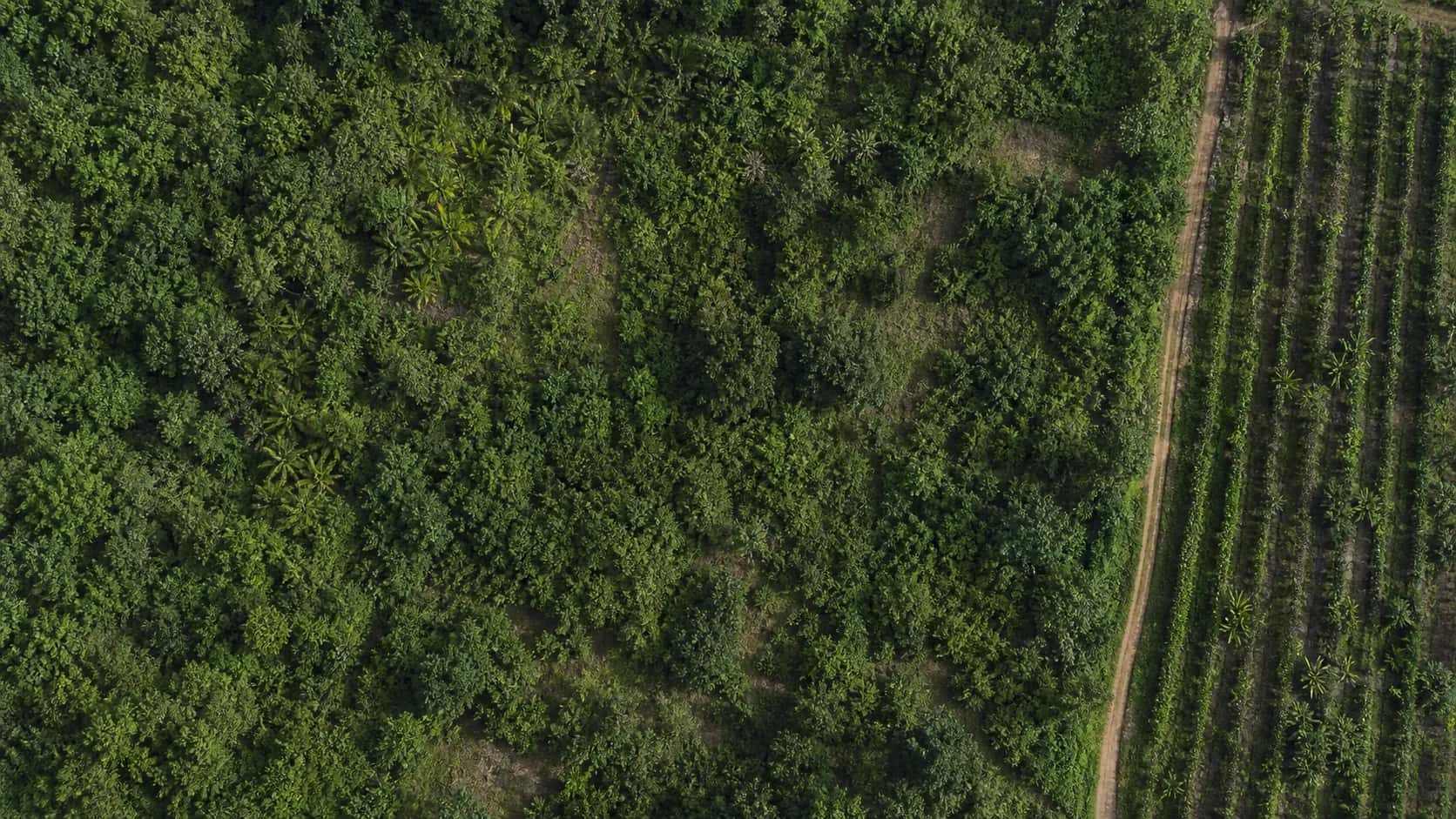
A map becomes useful evidence when it stays connected to the supplier file, the technical check, and the reviewed correction.
Technical validation does not replace a compliance decision.
Validate a GeoJSON file-4.6539, -74.0817Feature 03 · supplier-plots.geojson
-4.6539, -74.0817Correction v2 · original retained
Shared traceability and evidence foundations, with guidance and data requirements tailored to each commodity.
Explore Filovara EUDREvery value points back to its source file, page, row, geometry feature, rule version, and confirming reviewer.
Missing information, conflicts, unavailable sources, and user confirmations can never silently become green outcomes.
A screening result can flag attention. A Filing Case also shows what supports each fact, what rule ran, what remains uncertain, and who made the final decision.
File, page, row or feature
Extracted, then confirmed
Rule and input version
Named human reviewer
Frozen, reproducible snapshot
Filovara is designed for the messy work between receiving a supplier file and making an accountable filing decision.
Use a practical checklist to link each confirmed EUDR value to its exact file, page, row, cell, or geometry feature and preserve later corrections.
Explore the workflow →02Build an EUDR supplier document checklistRequest the right product, supplier, plot, batch, and legality evidence without sending a generic questionnaire.
Explore the workflow →03EUDR plot validation: checks, repairs and report contentsCheck GeoJSON and KML files for CRS, coordinate order, geometry and plot identity, then retain a report of warnings, repairs and the selected output.
Explore the workflow →04What filing readiness means in FilovaraUse explicit blockers, warnings, decisions, and export state without presenting readiness as a compliance guarantee.
Explore the workflow →05Freeze and export a Filing PackCreate a reproducible package of confirmed data, evidence indexes, issues, and technical limitations.
Explore the workflow →Give each participant only the context and evidence task they need.
Organize importer product data, supplier evidence, production plots, risk review, and DDS preparation in one traceable EUDR workflow.
See this workflow →EUDR preparation for tradersMaintain product, counterparty, reference-number, and evidence links without overstating scope.
See this workflow →EUDR evidence collection for non-EU suppliersSubmit requested fields, files, and plots through a scoped portal without buying a plan.
See this workflow →EUDR preparation for EU operatorsOrganize product, supplier, plot, risk, and DDS evidence around the operator’s filing workflow.
See this workflow →Useful tools first. Create an account only when you are ready to keep the work as a case.
Review one product flow across scope, order data, suppliers, plots, evidence and DDS handoff. The result is a practical open-action list—not a compliance score.
Clarify the likely product and role context before collecting every document.
Check scope →GeoJSON ValidatorInspect plot structure, geometry and coordinate issues in your browser.
Validate a file →DDS PreflightSee missing and conflicting DDS fields before an external handoff.
Run preflight →Operational answers with visible sources, limitations, and a next action—not generic compliance summaries.
See which FAO Open Foris WHISP indicators come back for an area plot, what to keep with the case, and where human review is still needed.
Read guide →Workflow guide · 8 minBuild your first EUDR Filing CaseTurn the files you already have into one reviewable EUDR case without hiding missing evidence.
Read guide →Workflow guide · 7 minBuild an EUDR supplier document checklistRequest the right product, supplier, plot, batch, and legality evidence without sending a generic questionnaire.
Read guide →Evidence concept · 7 minEUDR evidence provenance: a practical audit-trail checklistUse a practical checklist to link each confirmed EUDR value to its exact file, page, row, cell, or geometry feature and preserve later corrections.
Read guide →Use the free tools, buy one €29 Filing Case, or choose a recurring allowance. There are no hidden overage charges.
Filovara prepares complete manual-submission materials but does not sign in or submit to the EU Information System. The authorised operator remains responsible for the declaration and final review.
No. It describes technical completeness under a versioned rule, not a legal conclusion.
Yes. Suppliers can answer scoped, expiring requests without purchasing a subscription.
Check your likely EUDR scope free, then turn the result into a reviewable Filing Case when the work becomes real.